
Voice De-Noise that makes every take ready to ship
Reduce noise, hum, and breath while boosting clarity - all with simple controls and a preview before you commit. Voice De-Noise uses the same Credits as Stems and Audio Restoration, so one balance covers all your sessions.
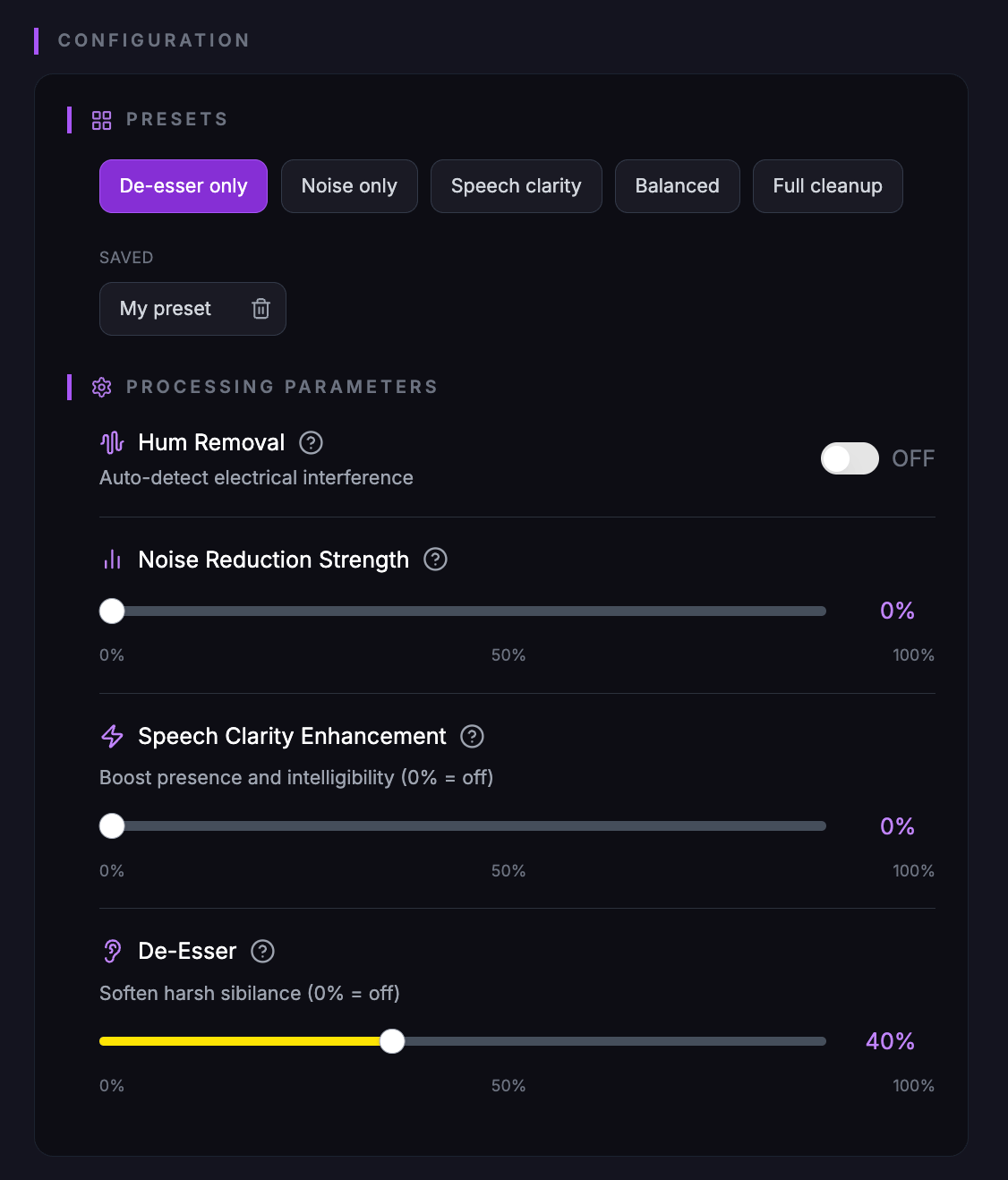
Control every setting
Adjust noise reduction strength, toggle hum removal, and fine-tune speech clarity and de-esser. Use presets for speed or dial in custom values. Preview the result before using a credit.
Ideal for
Voice De-Noise is built for dialogue, podcasts, and vocal tracks that need a quick polish without reopening the session. 20 credits per processed file; use Credits from your plan or buy more anytime.
Same credits as Stems & Audio Restoration
Credits work across all three tools. Buy once, use for voice, track, or stems.
Preview before you commit
Hear a short preview with your settings. No credit used until you process the full file.
Ready to clean up your vocals?
Open Voice De-Noise, upload a file, tweak the settings, and preview before processing. Use your existing Credits or buy more on the Pricing page.